Quick-start guide
Learn about the basic steps for setting up a standard Business to Consumer integration.
Integration for a basic B2C parcel
This quick-start guide outlines the basic steps to set up a simple integration. We recommend to start on the testing environment where you can Authenticate, book a parcel and retrieve a label in less than 30 minutes.
STEP 1: Authorize
- Use the Authorization endpoint to get a JWT token and authorize in our system.
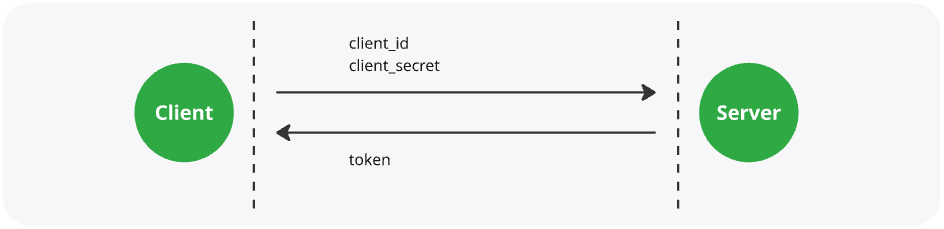
This Bearer token needs to be in the header of all subsequent requests.
STEP 2: Check delivery methods
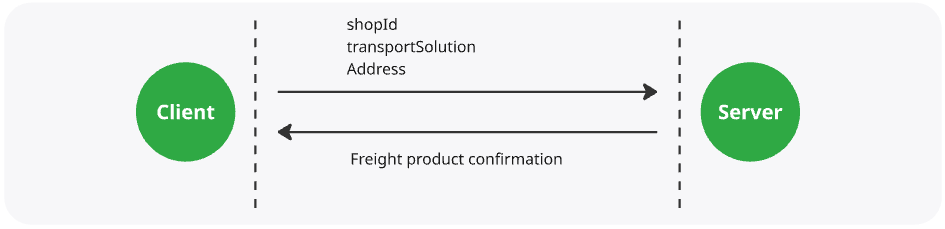
- 2.1 (Optional) Use Single Address Check endpoint to check coverage and available delivery options for an address.
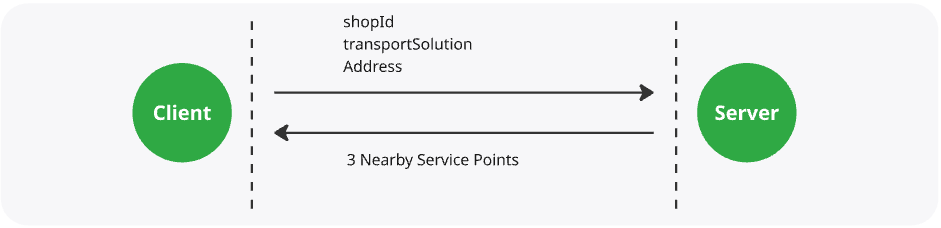
- 2.2 (Optional) Use Nearby Service Points endpoint to find the 3 closest service points.
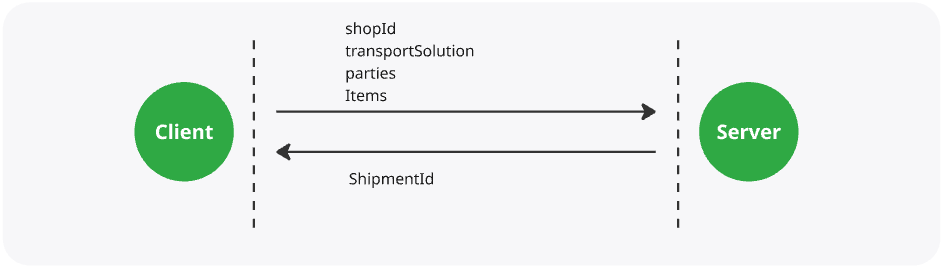
STEP 3: Register a booking
- Use Booking endpoint to create a booking.
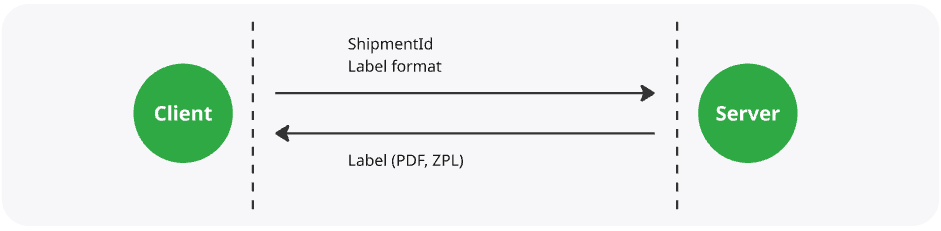
STEP 4: Print a label
- Use Label endpoint to obtain a label for a parcel.
STEP 5: Track your delivery
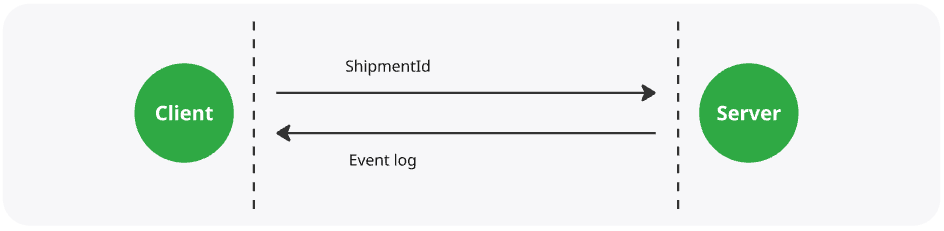
- Use Events tracking endpoint to retrieve tracking events on a parcel.